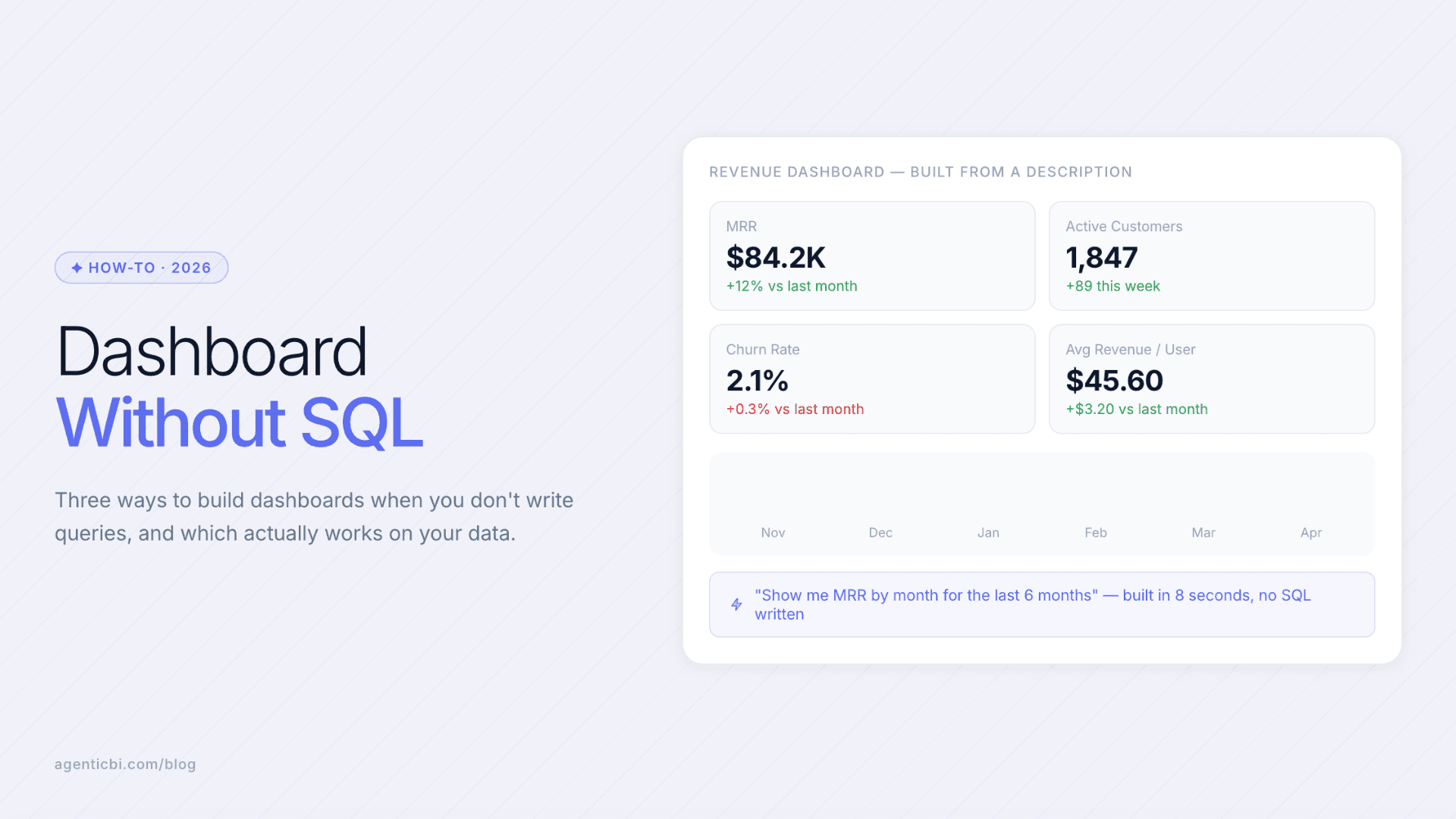
How to Build a Dashboard Without SQL (2026 Guide)
You can build a dashboard without writing SQL by using a BI tool that generates the underlying query from your description. Connect your database directly to an AI-powered analytics platform, describe the chart or metric you want, and let the tool build it. The query gets written for you.
Quick Summary (TL;DR)
AI-powered analytics tools generate SQL (or NoSQL queries) from your description, so building a dashboard no longer requires knowing query syntax.
The fastest no-SQL setup: connect your database directly, describe what you want, and let the tool generate the query and visualization in one step.
Most no-code dashboard tools still require data to be in a SQL-compatible format first. For teams on MongoDB or Elasticsearch, native connectivity eliminates that extra step.
Drag-and-drop builders work well for static dashboards; AI-generated dashboards are faster for changing requirements and teams without technical resources.
The key question is not whether a tool can build a dashboard without SQL: most can. The question is whether it can query your actual data source without requiring a warehouse or ETL step first.
Three Ways to Build a Dashboard Without SQL
1. Natural language querying
Type what you want to see and the tool generates the query, runs it, and returns a chart. "Show me signups by week for the last 90 days, broken down by plan tier" produces a visualization without SQL. This works best when the AI has direct access to the database schema: it reads the actual field names and data types rather than guessing at them.
The limitation to verify: natural language querying on most platforms only works on pre-built datasets or semantic models. If the data hasn't been modeled first, the AI has nothing to work from. Platforms with native database connectivity skip this: the AI queries the source directly. For teams working across MongoDB, PostgreSQL, Salesforce or a REST API in the same workflow, this distinction matters a lot.
2. Drag-and-drop builders
Most modern BI tools include a drag-and-drop interface that lets you build charts by selecting a data source, choosing fields, and picking a chart type. No SQL is written. The tool constructs the query in the background based on your selections. This is reliable for standard charts (bar, line, pie, table) and works well when the data is already connected and structured.
The tradeoff is flexibility. Drag-and-drop builders handle common chart types well but struggle with complex calculations, cross-source joins, or questions that require the tool to reason about what data to pull. For operational dashboards with defined metrics, this is often sufficient. For ad hoc analysis or multi-source queries, the natural language or agent-based approach is faster.
3. AI dashboard agents
A dashboard agent goes further than both of the above. It doesn't just respond to your input: it can build an entire dashboard layout from a single prompt, populate it with the right charts based on your data, and update it automatically when the underlying data changes. This is most useful for recurring dashboards that need to reflect current data without manual refreshes or rebuild work.
Data agents also handle the ongoing maintenance problem. A drag-and-drop dashboard stays static until someone rebuilds it. An agent-built dashboard updates when the data changes, adds new chart types when the metric definition evolves, and delivers the latest version to the right people on the right schedule. For small teams that would otherwise spend an hour every week refreshing reports, this removes the task entirely.
If you'd rather skip the dashboard entirely and just ask a question, that's the job of an AI data analyst: it writes the query and hands back the answer.
Build dashboards without SQL. Start free at AgenticBI.com: connect your data, describe what you want, done.
No-SQL Dashboard Tools Compared
Tool | No-SQL Method | NoSQL DB Native | AI Query Generation | Best For |
|---|---|---|---|---|
AgenticBI | Natural language + AI agents | Yes (MongoDB, ES, more) | Yes, from schema | Teams on mixed or NoSQL stacks without SQL skills |
Metabase | Question builder (drag-and-drop) | No | Limited | SQL-based teams wanting simple dashboards without SQL |
Looker Studio | Drag-and-drop on connected sources | No | No | Google ecosystem teams with Sheets or BigQuery |
Power BI | Drag-and-drop + Copilot (requires Fabric/PPU) | No (requires ETL) | Yes, with Copilot license | Microsoft-centric orgs with existing Power BI investment |
Retool / Redash | UI builder (developer-focused) | Partial | No | Engineers building internal tools, not business users |
The NoSQL Problem Most Guides Skip
Most "build a dashboard without SQL" guides assume the data is already in a relational database with clean, flat tables. That assumption breaks down for a large share of modern data stacks. If your data lives in MongoDB (with nested documents), Elasticsearch (with full-text indexes), or a REST API, the standard drag-and-drop approach hits a wall: the tool can't connect natively, and moving the data requires ETL, which requires engineering.
The no-SQL promise only fully holds when the tool has native connectivity to your actual data source. For small teams on MongoDB, Elasticsearch, DynamoDB, or Cassandra, the right question when evaluating a tool is: "Can it connect to our database directly, without first moving the data somewhere else?" Most cannot. The ones that can remove the ETL bottleneck entirely, and that changes what "no-SQL dashboard" actually means in practice.
For BI tools that work without SQL across both SQL and NoSQL sources, how analytics without a data warehouse works makes the distinction clear. The tool that looks simplest in a demo may require the most infrastructure work behind the scenes if your data doesn't fit a SQL-first assumption.
Step-by-Step: Building Your First Dashboard Without SQL
Step 1: Connect your data source
Choose a tool that supports your database type natively. If you're on PostgreSQL or MySQL, most options work. If you're on MongoDB, Elasticsearch, or an API, verify native connectivity before signing up for anything. Enter your connection credentials in the tool's data source settings. Most modern tools complete the connection in under 5 minutes.
Step 2: Let the tool read your schema
AI-powered tools that generate queries from your questions need to read your schema: field names, data types, relationships. This usually happens automatically on connection. Once the schema is indexed, the AI can map your questions to actual fields in your database.
Step 3: Describe the first chart you need
Type your question or describe the chart you want. Be specific: "Bar chart of monthly revenue for the last 12 months, grouped by customer segment" is more useful than "show me revenue." The AI generates the query, executes it, and returns the visualization. If it's wrong, refine the description and regenerate.
Step 4: Assemble the dashboard
Add multiple charts to a single dashboard view. Arrange them in a layout that matches how the metrics are read: key summary numbers at the top, trend charts in the middle, detail tables at the bottom. Most tools support this with drag-and-drop layout editors, even when the queries were generated by AI.
Step 5: Set up automated refresh and delivery
Configure the dashboard to refresh on a schedule (hourly, daily, weekly) so it always shows current data. Set up delivery to Slack or email for the people who need it. Once this is live, the dashboard runs without anyone touching it. Agentic BI platforms go further, with agents that detect when metrics shift and push alerts without waiting for the scheduled report.
Build dashboards without SQL. Start free at AgenticBI.com: connect your data, describe what you want, done.
Frequently Asked Questions
Can I build a dashboard without knowing SQL?
Yes. AI-powered analytics tools generate the underlying database query from your description. You describe what you want to see; the tool handles the query syntax. The main constraint is that the tool must support your database type natively. Otherwise the data must be moved to a SQL-compatible format first, which requires engineering work.
What is the best no-code dashboard tool?
The best option depends on where your data lives. For teams on standard SQL databases, Metabase or Looker Studio are solid free or low-cost options. For teams on MongoDB, Elasticsearch, or mixed data stacks, or for teams that want AI to generate and maintain the dashboards rather than building them manually, an AI-native platform with native NoSQL support is the better fit.
Does building a dashboard without SQL mean I don't need a database?
No. "Without SQL" means without writing SQL queries yourself: the tool generates them. You still need a data source: a database, a spreadsheet, or an API. The benefit is that non-technical team members can build and update dashboards without needing to understand query syntax or data structure.
Can AI tools build dashboards from MongoDB without ETL?
Some can. Most BI tools require MongoDB data to be extracted and loaded into a SQL warehouse before building dashboards. Platforms with native MongoDB connectivity query the database directly, handling nested documents and collections without a data pipeline. This is a specific capability to verify before choosing a tool if MongoDB is your primary data source.
How long does it take to build a dashboard without SQL?
With direct database connectivity and an AI-powered tool, the first dashboard can be ready in under 30 minutes. This assumes the data source is connected, the schema is loaded, and the questions are defined. The main time cost is connection setup, not dashboard building. Traditional tools that require data modeling before the first query can take days or weeks.
What happens when my data changes? Does the dashboard need to be rebuilt?
No, if the tool supports scheduled refreshes. Most dashboard tools refresh data on a configurable schedule (hourly, daily) without rebuilding the dashboard. AI-powered platforms can also detect when metric values change significantly and push alerts before the next scheduled refresh, so the team knows about changes as they happen rather than on the next report cycle.
Related Reading
Try AgenticBI
The AI data analyst for teams without a data team
Your numbers live in your database, your tools, and a dozen spreadsheet tabs, each telling a slightly different story. AgenticBI connects to all of them, runs the query, and hands back one answer. You ask in your own words. Agents do the analysis. And it can run on its own AI, so your data never leaves for a third party.
What you can do with AgenticBI:
Free to start. Your data can stay yours, nothing goes to OpenAI or any outside model.
Learn more
Discover more from the latest posts.


